Quick Verdict
For a Codex CLI proxy, prioritize a fixed HTTP(S) egress, an organizational API gateway, and clear credential management. If you use the ChatGPT sign-in flow, make sure browser login, CLI credentials, and project directories stay isolated from one another. For remote runs, also confirm sandbox networking, DNS, certificates, and timeout settings.
What is a Codex CLI proxy?
A Codex CLI proxy is a network egress prepared for OpenAI Codex CLI sign-in, model requests, remote development machines, and workspace automation. It typically serves enterprise networks, remote control planes, API organization management, and security auditing.
Scenarios, proxy types, and acceptance priorities
| Scenarios | Typical Use Cases | Preferred Proxy Types | Acceptance Priorities |
|---|---|---|---|
| ChatGPT login flow | Connect the CLI or create API access using a ChatGPT identity | Stable browser network plus fixed CLI egress | Distinguish OAuth authorization, API keys, browser profiles, and local CLI state |
| API Key mode | Teams call models via API organization, projects, or gateway | Enterprise HTTP(S) egress or LLM gateway | Keep keys out of project directories; centralize rotation and auditing |
| Remote workspace | Codex execution on OpenClaw, CI, and remote Mac/Linux machines | Fixed egress, DNS, and certificates under control | Check sandbox network, proxy variables, and timeouts |
| Multi-person team | Developers, reviewers, and automated tasks share rules | Organization gateway | Limit models, budgets, tool permissions, and log visibility by role |
Codex CLI proxy must cover sign-in, workspace, sandbox, and model routing
Codex CLI's network path is longer than a regular API call. It may first sign in with a ChatGPT account, then read and write files in a local or remote workspace, run commands, call models, and generate patches. OpenAI's Help Center notes that Codex can be used with ChatGPT plans, so proxy configurations should also respect the account and data terms of ChatGPT/Codex.
If you only verify that “codex can launch,” it's easy to miss later risks: the sandbox network may not reach dependency sources, the remote workspace may lack certificates, the API organization may be wrong, the model may be unavailable, configuration files may be written to paths they shouldn't touch, or logs may contain sensitive repository context.
A higher-quality Codex CLI proxy setup should define the fixed egress, sign-in flow, API keys, workspace isolation, sandbox policy, model routing, and log redaction as one configuration. The proxy is only one layer of it.
Codex CLI Proxy Evaluation Matrix
The table below breaks down 'I want to buy a proxy' into engineering problems that can be verified. If acceptance evidence can't be written down, the requirement isn't ready for procurement yet.
| Judgment Items | Applicable Scenarios | Preferred Solution | Acceptance Evidence |
|---|---|---|---|
| ChatGPT login | Authorize the CLI or IDE with a subscription account | Stable browser network + fixed CLI egress | Login completion, token refresh, account plan, model availability |
| API Key mode | Server-side or team projects call the OpenAI API | Internal gateway / fixed HTTPS egress | Key environment variables, secure storage, organization ID, budget |
| Remote workspace | OpenClaw, CI, remote Linux/Mac | Fixed egress + certificate/DNS | Sandbox network, dependency sources, system time, file permissions |
| Team Codex | Multi-person development, review, auto-repair | Organization gateway | Model allowlist, approval policy, log redaction, project-level budgets |
Codex CLI Proxy Failure Diagnostics
Proxy failures rarely have just one cause. Separating symptoms, possible causes, and troubleshooting actions helps reduce wasted IP rotations, unnecessary provider switches, and unnecessary budget increases.
| Symptoms | Common Causes | Troubleshooting Method |
|---|---|---|
| Login succeeds but task fails | Workspace network, sandbox, or dependency sources unreachable | Run minimal commands and model requests in the same workspace |
| Model unavailable | Account plan, organization, CLI version, or login method restrictions | Log CLI version, login mode, model name, and error body |
| Proxy variables don't take effect | Child processes, sandbox, or remote shell did not inherit the environment | Print network test results in the Codex execution context |
| Failed security audit | Keys, logs, or repository context not desensitized | Unified redaction and budgets through the gateway; don't write credentials into the project tree |
Research note: Codex CLI proxy should be reviewed together with workspace security
Codex CLI is a coding agent that runs in the local terminal. Official documentation emphasizes that it can read, modify, and run code in the selected directory, and can sign in with a ChatGPT account or API key. A Codex CLI proxy is therefore not simply “turning on a proxy for a web page.” You also need to verify the network egress, login status, workspace boundaries, command approval, and key lifecycle.
Official Documentation Calibration
The official sources below are used to calibrate the factual boundaries of this article, focusing on network entry points, authentication methods, proxy capabilities, and the scope of applicability for hosted browsers. Actual purchasing decisions should still depend on account permissions, terms of service, and testing in your target regions.
- OpenAI Codex CLI: Used to confirm the local terminal location, installation, execution, and sign-in entry point for Codex CLI.
- Codex CLI Sign in with ChatGPT: Used to confirm ChatGPT sign-in, automatic API key generation, and revocation boundaries.
Codex CLI Proxy Selection Tiers
| Level | Questions to Ask First | Acceptance Method |
|---|---|---|
| Login entry | Should you sign in with ChatGPT or use an API key? Does it involve a team or enterprise account? | Record the sign-in method, organization, model permissions, and revocation path. Do not copy web cookies. |
| Workspace boundary | Which directories, commands, and files can Codex access? | Control risk with isolated workspaces, explicit approval modes, and key exclusion rules. |
| Network egress | Do CLI requests need a fixed egress IP, enterprise proxy, or gateway? | Verify whether DNS, certificates, timeouts, error codes, and proxy variables reach the CLI process. |
| Remote execution | Does it run in a remote workspace, CI, or sandbox? | Local success does not mean remote success. Verify home directory, credentials, proxy, and system time separately. |
Codex CLI Proxy Architecture Breakdown
- First verify Codex CLI sign-in, the model list, one simple edit, and one command approval using a blank test repository.
- Then switch to the real repository, but restrict directories, exclude key files, and require that all shell commands remain subject to approval or auditing.
- Place the proxy egress at the runtime environment layer. Don't write proxy account passwords into Codex prompts, READMEs, or project scripts.
- If you sign in with ChatGPT, record the steps to revoke both the OAuth authorization and the automatically generated API key, so you don't disconnect only one side.
- A team pilot should set “stop conditions”: consecutive timeouts, abnormal charges, unexplained external requests, or bypassed command approvals should all trigger a pause.
Easily Misjudged Risks
- Codex CLI can run commands, but a working proxy doesn't mean the workspace is secure. Before launch, check command approvals, key protection, and log redaction.
- Don't use a ChatGPT web profile, a system browser profile, or browser storage state for CLI authentication.
- If you use an automatically generated API key, confirm the revocation path and organization ownership to avoid leaving a usable key behind.
- In remote environments, avoid inheriting personal proxies and personal keys. Teams should use a controlled gateway or a dedicated development organization.
Deep dive: Acceptance sequence for Codex CLI, from an empty repository to a real repository
Codex CLI can modify and run code, so proxy acceptance testing must be done together with workspace security. Do not verify the network directly in a production repository. First confirm sign-in and networking with an empty repository, then confirm patches and command approvals with a test repository, and only then move to a small-scope task in a real repository.
| Stage | Execution Method | Evidence to Retain |
|---|---|---|
| Empty repository | Only test login, model requests, and one low-risk file edit. | Login method, model, network errors |
| Test repository | Test patch preview, command approval, external requests, and failure retries. | Patches, command logs, approval records |
| Real repository | Limit directories and task scope, exclude key files, and keep manual review. | Change records, review results, rollback path |
If a small-sample phase cannot explain why failures happen, don't move to large-scale purchasing. The value of an AI proxy lies not in a one-time 'it can access,' but in being able to reproduce results consistently, pinpoint problems, control costs, and respect the boundaries of platforms and data sources.
Recommended Provider List
Affiliate Disclosure:Merchant buttons below may be affiliate links, and SCOKTW may earn a commission. Rankings are based on specific tasks, constraints, and testing order, not on commission rates. SeeEvaluation Methods and Full Disclosure。
Codex CLI's focus is ChatGPT sign-in, API organizations, remote workspaces, and sandbox networking. The merchant list combines fixed egress with auxiliary browser tasks. The ranking reflects editorial trial order and does not mean any option is absolutely preferred in every region, for every account, or for every target website.
1Proxy-Seller
Proxy-Seller is better suited for fixed IPv4, private proxies, CLI egress, and connectivity testing of low-complexity API gateways. For terminal and API scenarios such as Codex CLI, OpenRouter, and internal LLM gateways, a fixed egress IP is often easier to audit than a large residential pool.
- Suited for: Codex CLI, OpenRouter, fixed egress IP, and API gateway connectivity testing.
- Proxy types: IPv4, IPv6, ISP, residential, and mobile proxies.
- Acceptance focus: fixed IPs, protocol support, allowlists, DNS, certificates, and timeout performance.
- Purchasing advice: for CLI scenarios, test HTTP(S) proxies and gateways first, and don't apply web-based conclusions to the terminal.
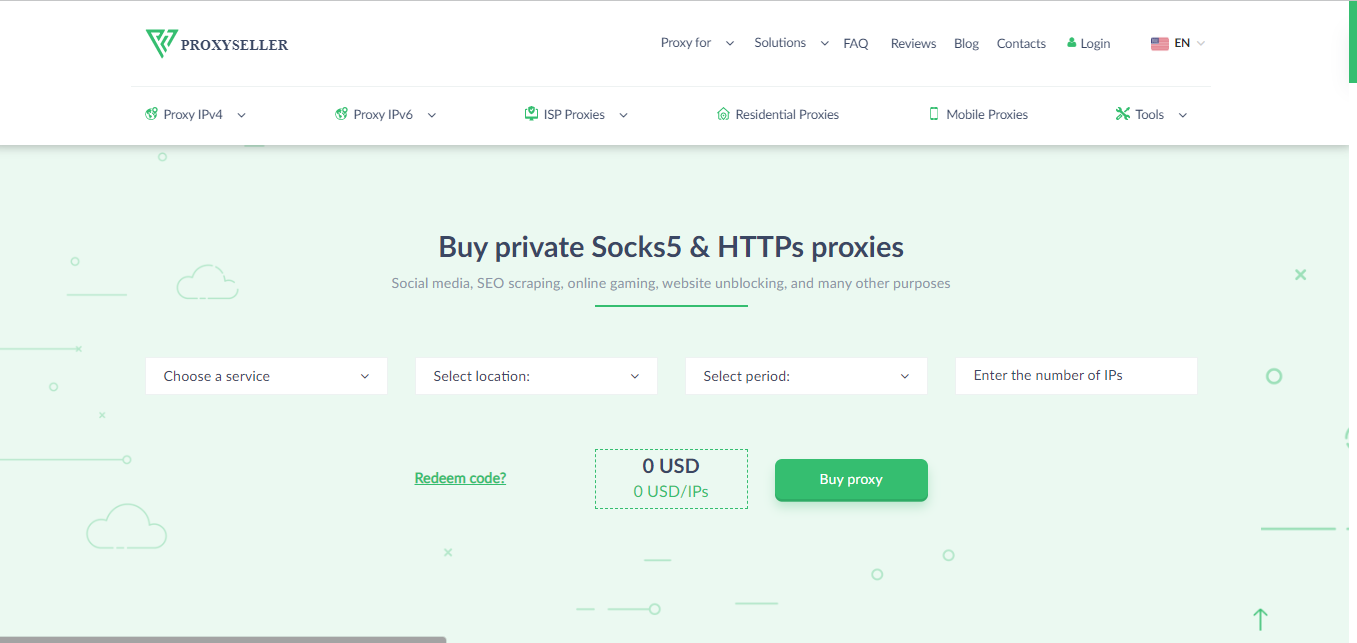
| AI Applicable Scenarios Fixed egress IP, AI CLI, OpenRouter/API gateways, private IPv4 |
A fixed egress IP supports auditing and troubleshooting, and suits command-line and API workflows. |
| Risk Control Must Verify Before Launch |
Web-based AI app sessions don't always suit datacenter or fixed IPv4 proxies, so test by platform. |
2Bright Data
Bright Data is better suited for AI Agents, Browser API, RAG public web retrieval, and enterprise-grade regional QA. Its strength isn't a single account session. Instead, its proxy network, hosted browsers, Web Unlocker, SERP/data APIs, and compliance documentation combine into a complete data access layer.
- Suited for: AI Agent browsing, public web retrieval, Browser API, RAG data completion.
- Proxy types: residential proxies, ISP proxies, mobile proxies, datacenter proxies, and managed unblocking layers.
- Acceptance focus: success rate, render wait times, failure screenshots, regional coverage, billing, and compliance documentation.
- Purchase advice: enterprise teams should first run small-sample tasks, then scale based on successful results and actual costs.
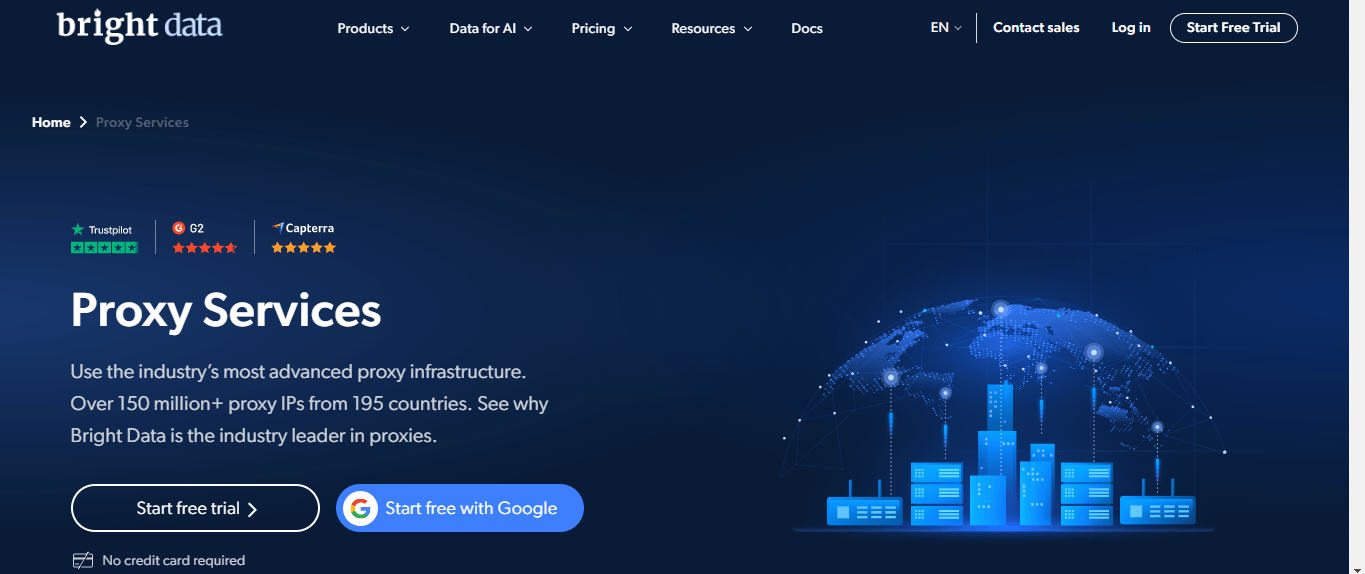
| AI Applicable Scenarios Public web access, AI Agents, RAG, Browser API |
Complete product lineup, suitable for evaluating proxies, browser rendering, and structured data delivery within a single workflow. |
| Risk Control Must Verify Before Launch |
Costs and configuration complexity are higher, so beginners should first limit budget, target domains, and concurrency. |
3Webshare
Webshare is suitable as a budget-friendly supplement for datacenter, static residential, and script connectivity testing. It is better suited to APIs, CLIs, low-frequency checks, and internal tools, and should not be treated by default as the only solution for AI web account sessions.
- Suitable for: low-frequency scripts, fixed egress IP, API connectivity, budget-oriented testing.
- Proxy types: datacenter proxies, residential proxies, and static residential proxies.
- Key acceptance criteria: target site acceptance, latency, concurrency limits, free/trial resources, and billing.
- Procurement advice: compare technical connectivity and cost first, then decide whether to move to production.
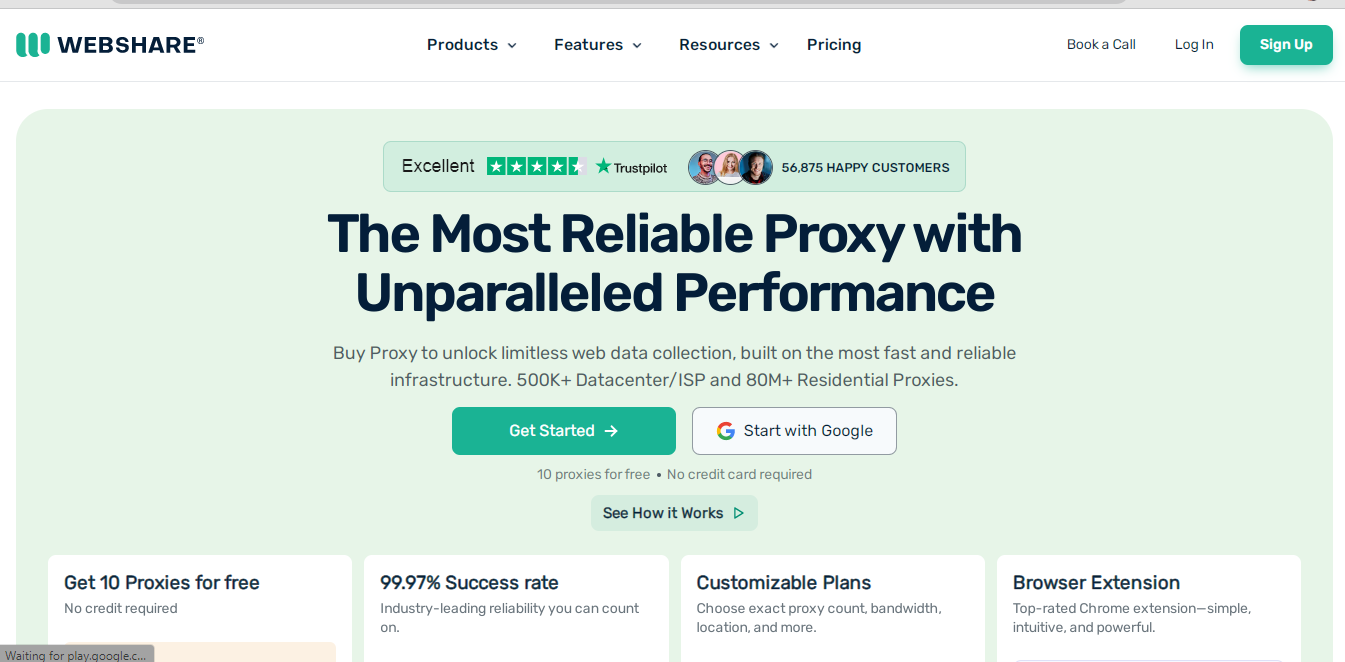
| AI Applicable Scenarios Budget fixed egress IP, CLI/API connectivity, low-frequency public page checks |
Suitable as a supplement for datacenter or budget-friendly fixed-egress testing. |
| Risk Control Must Verify Before Launch |
Highly sensitive web sessions may require residential/ISP proxy supplemental verification. |
4IPRoyal
IPRoyal suits budget-conscious, small-scale AI app sessions, static residential proxies, and entry-level regional testing. It isn't a good fit for handling large-scale RAG or Agent collection from the start, but it's useful for verifying ChatGPT, Claude, and Gemini account regions and browser sessions.
- Suited for: small-scale ChatGPT/Claude/Gemini session QA and static residential proxy testing.
- Proxy types: static residential, rotating residential, datacenter, mobile, and sneaker proxies.
- Acceptance focus: inventory in target regions, session stability, refund/replacement rules, and customer support response.
- Purchase advice: start with a small number of test account environments, and don't treat a single success as proof of long-term stability.
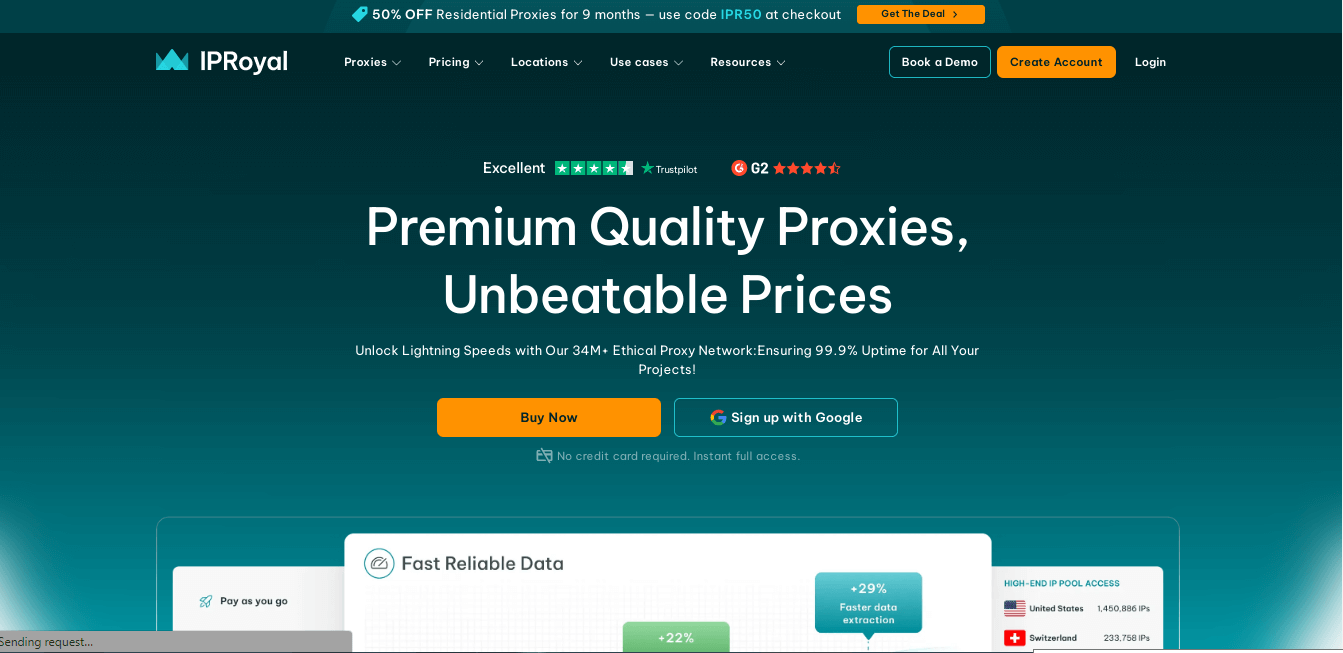
| AI Applicable Scenarios Budget static residential proxies, AI app session testing, small-scale regional QA |
Suitable for low-cost verification of account sessions and regional availability. |
| Risk Control Must Verify Before Launch |
Inventory and quality may fluctuate in some regions, so confirm the target region before purchasing. |
5Decodo
Decodo suits teams that need self-serve residential proxies, ISP proxies, and multi-region QA. It works more like a flexible mid-sized proxy pool, suitable for regional testing of ChatGPT, Claude, and Gemini web interfaces, and it can also pair with self-built Playwright or RAG scraping scripts.
- Best for: AI app regional QA, self-built browser scripts, and medium-scale public web scraping.
- Proxy types: residential, ISP, datacenter, and mobile proxies.
- Acceptance focus: availability in target regions, dashboard usability, IP rotation rules, and failure types.
- Purchase advice: test by target country and target site first, and don't judge by bundle traffic prices alone.
| AI Applicable Scenarios Self-serve residential proxies, multi-region QA, Playwright/Puppeteer proxy pools |
Low entry barrier; suitable for scaling from small-scale testing to a stable localized workflow. |
| Risk Control Must Verify Before Launch |
Availability pools and quality vary by region, so always rely on test runs against the target site. |
Pilot plan: from small sample to full launch
Before formal purchase, it is recommended to run a short trial period to prove that the proxy solution truly matches your current AI workflow. The goal of this plan is not to succeed once, but to find stable boundaries and failure conditions.
- Fix the Codex CLI version and sign-in method first, then address the proxy.
- Separately test ChatGPT sign-in, API Key, remote workspace, and sandbox commands.
- For each project, record allowed models, allowed commands, allowed network access, and budget limits.
- After launch, keep failure logs, but redact repository paths, keys, and user input.
If a trial run shows frequent security verifications, inconsistent model lists, unstable field quality, or unexplained costs, adjust the architecture and logs first instead of immediately upgrading your plan.
Post-Launch Operating Metrics
Acceptance testing for Codex CLI should cover network, code security, and account governance at the same time. A single successful test prompt is not enough to prove the setup is ready for launch.
| Metric Groups | Logged Content | Evaluation Criteria |
|---|---|---|
| Network | Sign-in, model list, minimal request, timeouts, certificates, DNS, proxy variables | Run both locally and remotely. |
| Workspace | Accessible directories, command approval, patch preview, sensitive file exclusion | Verify boundaries for every repository. |
| Account | Sign-in method, organization, model permissions, API key creation and revocation | Manage the ChatGPT OAuth and API key lifecycles separately. |
| Audit | Command logs, network errors, costs, abnormal exits, manual approval records | Only when a failure can be replayed is it debuggable. |
These metrics are recommended to start being recorded during the trial phase. A proxy solution truly worth scaling should be able to explain failures, control costs, retain evidence, and not rely on any operation that violates platform terms or access authorization.
Pre-Launch Checklist
- First confirm your Codex CLI version, sign-in method, and current API organization. Don't rely on outdated documentation for assumptions about default models or authentication flows.
- Manage browser sign-in, local CLI credentials, project source code, and remote runtime separately.
- Using a fixed egress, run one sign-in, one simple prompt, one file read, one patch preview, and one retry after a failure.
- On remote machines, check DNS, certificates, HTTPS proxy, sandbox networking, and system time.
- In team environments, prioritize a gateway to control budgets, model allowlists, log redaction, and key rotation.
Compliance Boundaries
This article does not recommend using proxies for bulk registration, payment circumvention, CAPTCHA bypass, credential import, account sharing, platform ban evasion, or any activity that violates website terms. Access to AI platforms, public web pages, and internal systems should always involve authorization, rate limits, logging, and human review.
Next reads on the same topic
- Complete AI Proxy Guide: ChatGPT, Claude, Gemini, Codex CLI, and AI Agent Scenarios
- Best AI Proxy Providers of 2026: Account Sessions, API Gateways, Browser Automation, and RAG Data Collection
- Best ChatGPT Proxies for 2026: Stable Sessions, Regional Testing, and Account Security
- Best Claude Proxies for 2026: Account Sessions, Team Workspaces, and Regional QA
- Best Gemini Proxies of 2026: Google Account Sessions, AI Studio, and Regional Testing
- AI Coding CLI Proxy Guide: Codex, Claude Code, Gemini CLI, and Gateway Routing
- 2026 OpenRouter Proxy Guide: Unified API Routing, Console QA, and Model Access Checks
- 2026 AI Agent Proxy Guide: Browser Access, Public Web Retrieval, and Runtime Design
- 2026 Browser API Proxy Guide: Playwright, Puppeteer, and Managed Unblocking Layers
- 2026 RAG Proxy Guide: Retrieval Pipelines, Source Coverage, and Localized Scraping